Hotel Virtual Tour Services
I offer 360 virtual tour services for hotels and resorts in Singapore, Asia and Worldwide. I have been working as a hotel and resort photographer for over 15 years and I understand the importance of showcasing a hotel's unique spaces and design elements to potential guests. I specialize in creating virtual tours for hotels that allow guests to fully experience the property before they even step foot in the door.
My virtual tours are designed to give guests a comprehensive and immersive experience of the hotel's spaces, from the grand lobby to the guest rooms. Using medium format camera systems and advanced techniques, I am able to capture the hotel's true essence and present it in a way that is both visually stunning and easy to navigate.
One of the key benefits of a virtual tour is that it allows guests to get a feel for the hotel before they book, which can lead to increased bookings and higher occupancy rates. Additionally, virtual tours are a great way to showcase a hotel's amenities and services, such as on-site dining, spa facilities, and meeting spaces, which can also help to drive bookings.
For a closer look at what each hotel has to offer, I invite you to click on any of the images on this page. This action will take you directly to the hotel virtual tour associated with that particular image, allowing you to explore the hotel's spaces and amenities in greater detail. Experience the property as if you were walking through its doors, from the comfort of your own home or office.
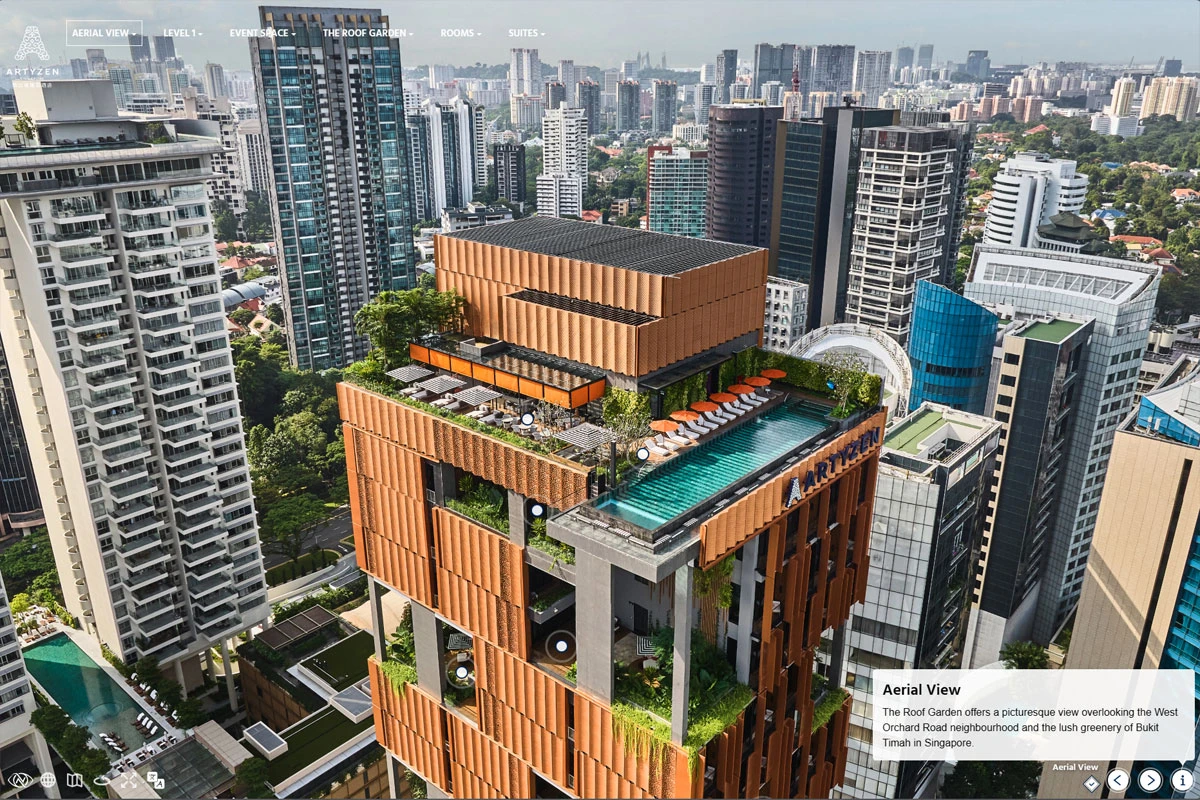
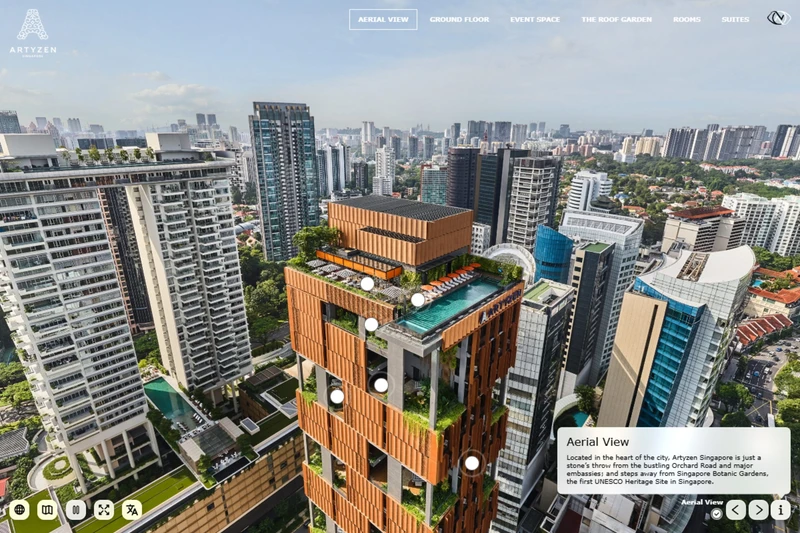
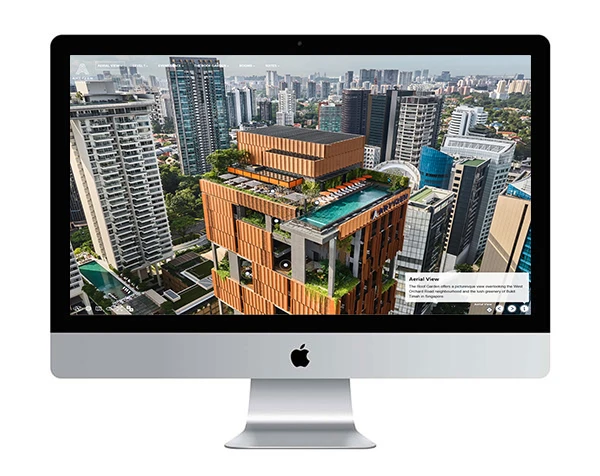
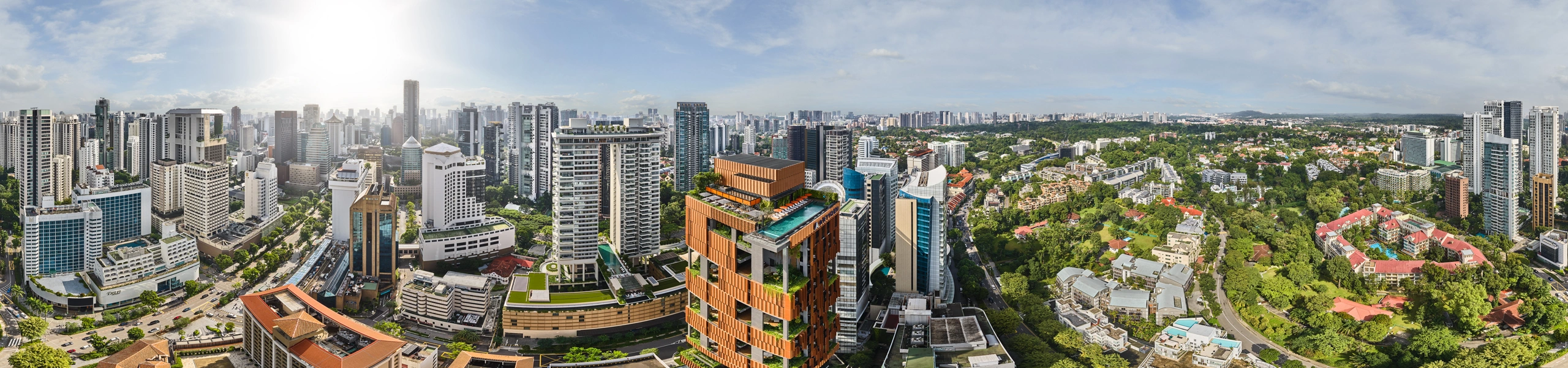
Artyzen Singapore
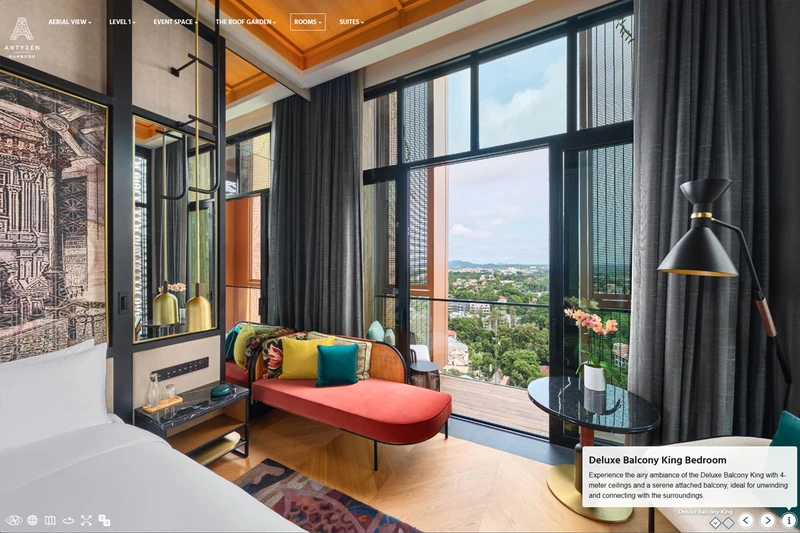
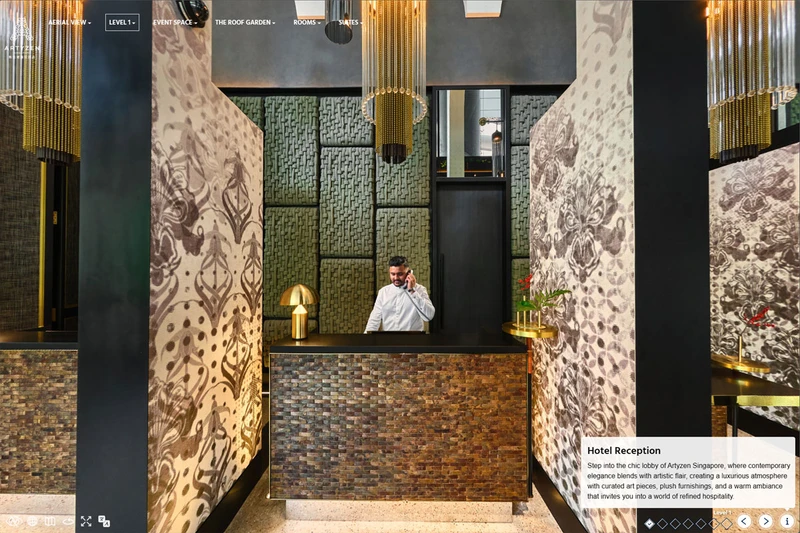
The Artyzen Singapore Hotel Virtual Tour features a top menu navigation system and diamond-shaped 'visited' checkboxes in the description area. In the penthouse, you'll find open/close effects on the TV walls of the main living area. The restaurant showcases day/night effects, allowing the virtual tour to transition between day and night, offering viewers the chance to experience the space in both settings. The tour begins with an aerial 360 panorama, providing a bird's-eye view of the hotel. It highlights the hotel's proximity to both the Orchard Road shopping district and the lush greenery of the nearby residential area in Singapore.
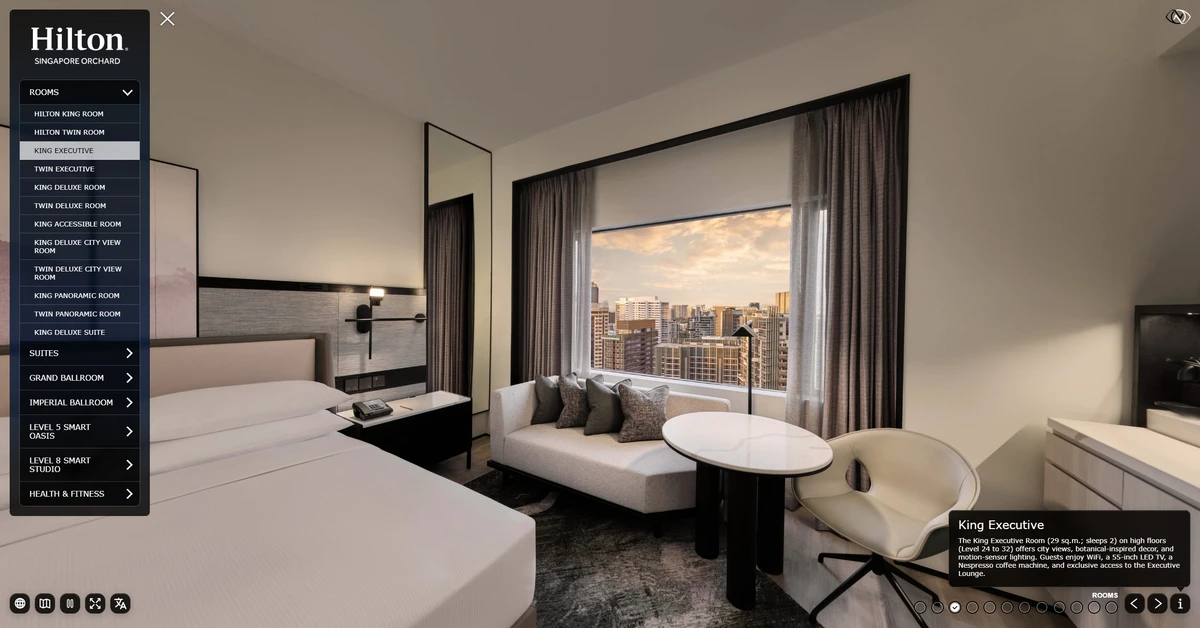
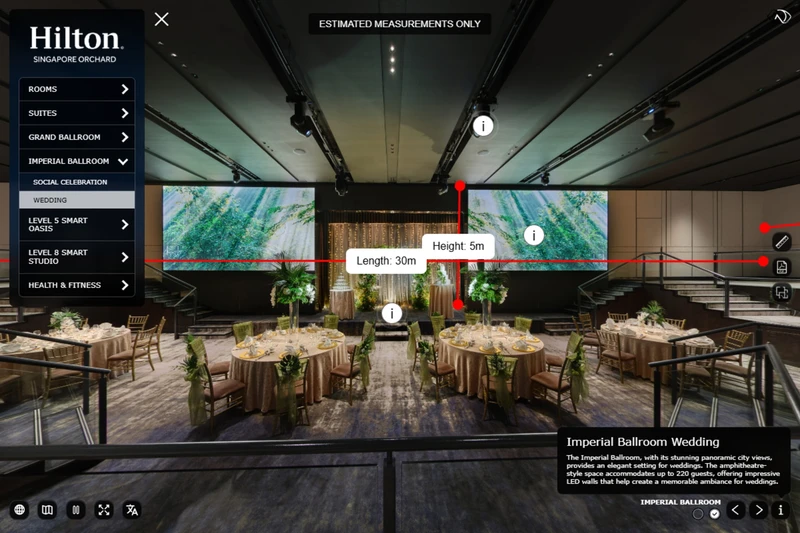
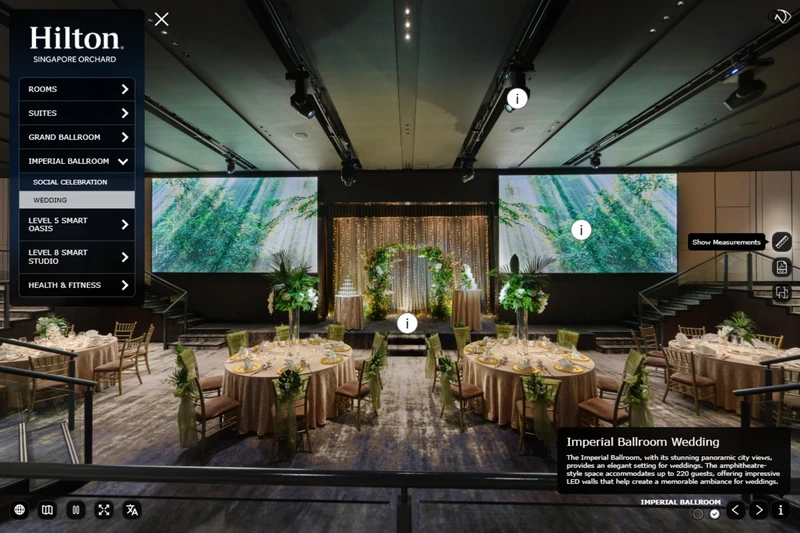
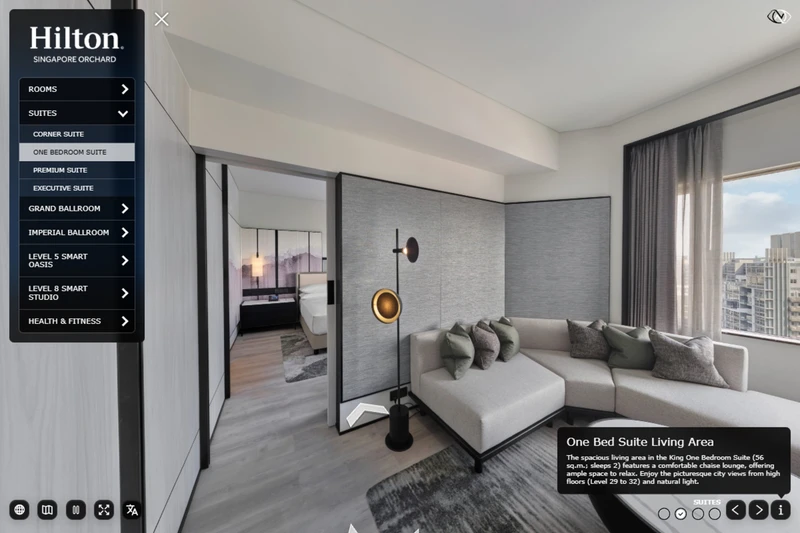
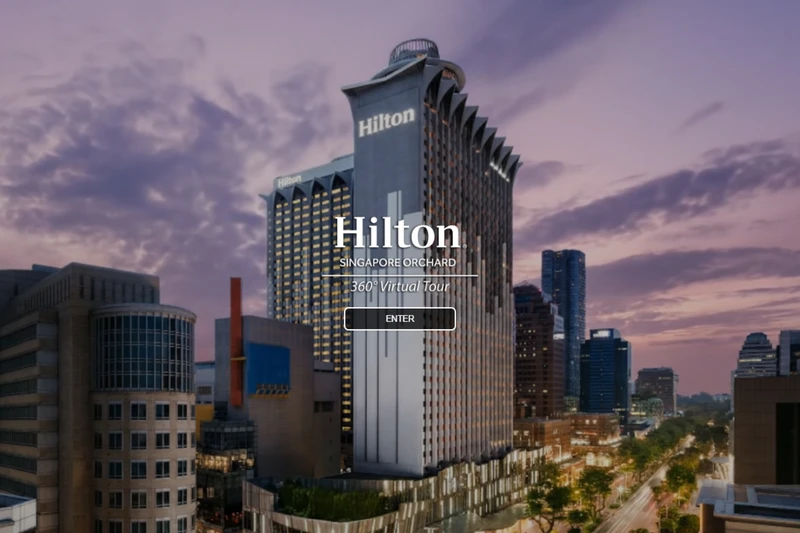
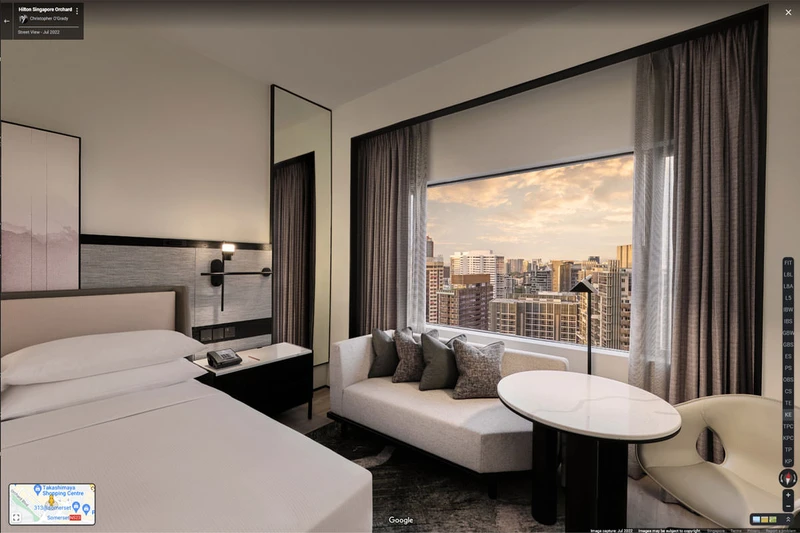
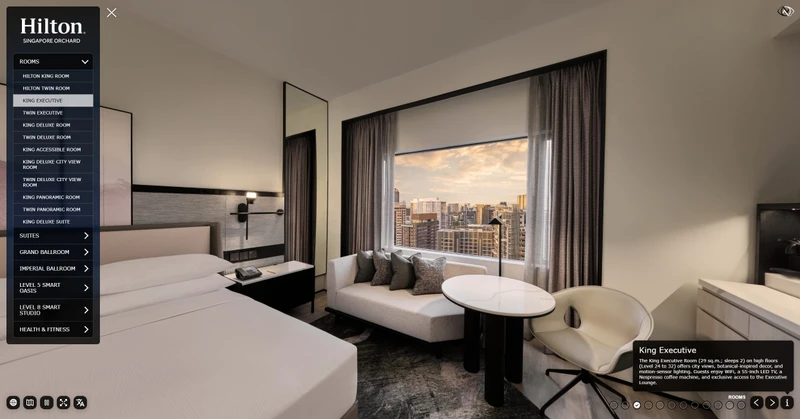
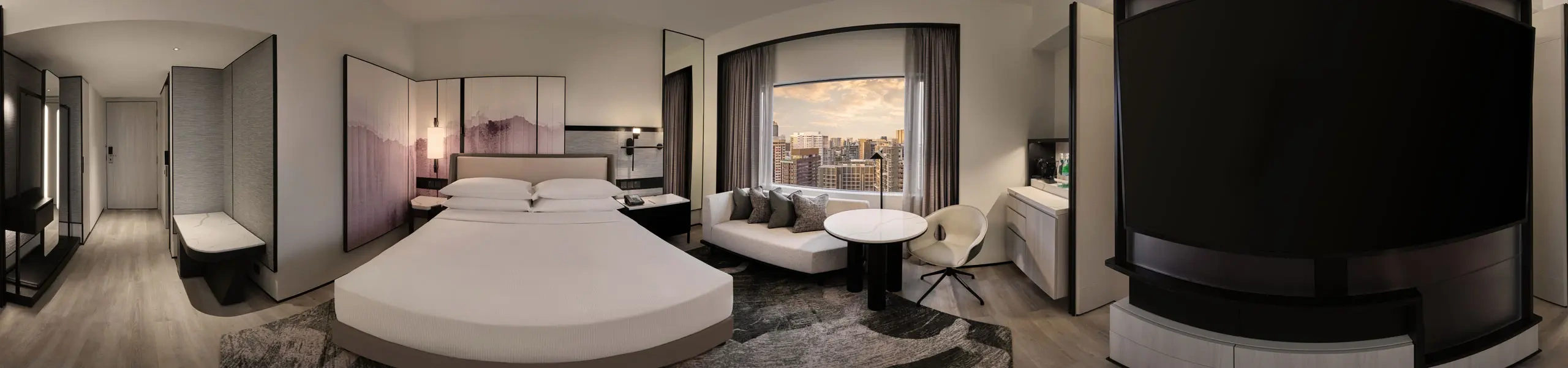
Hilton Singapore Orchard
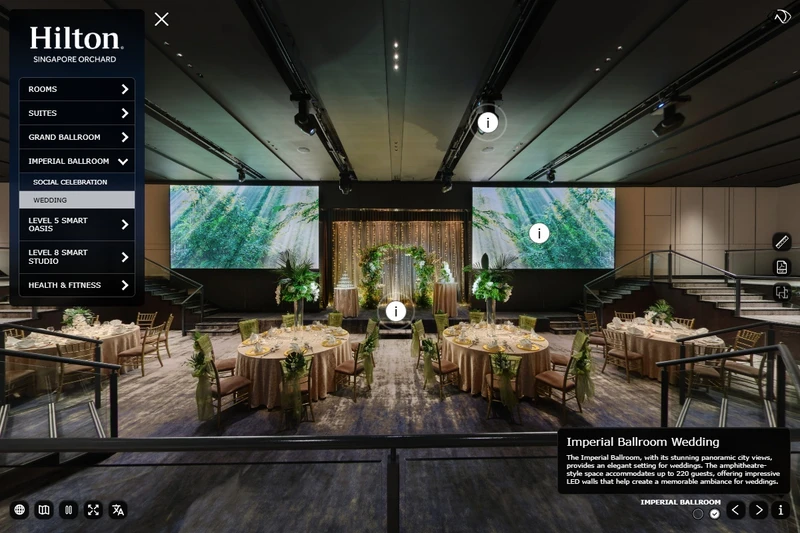
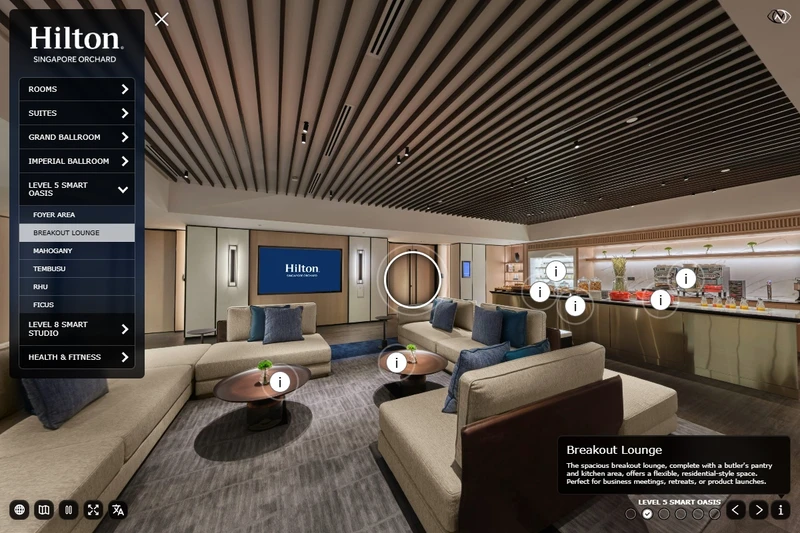
360 Photography for Hotels & Resorts
I have been working as a hotel photographer for over 15 years. I use the same photography and lighting techniques in 360 hotel photography as I do in standard hotel photography.
For hotel virtual tours, I do not use '360-degree cameras' because they don't offer the necessary post-production capabilities to meet my hotel clients' high standards. Instead, I rely on a medium format camera system and lighting techniques that I use in my traditional hotel photography. This ensures the hotel virtual tours maintain the same high quality and attention to detail.
I also provide professional retouching and post-production services for my 360 images, just as for my traditional hotel photos. The hospitality industry requires a high level of perfection in their images, and I am prepared to meet the same editing demands for 360 photography as for standard hotel photography. Whether it's replacing views and skies or performing intricate fabric retouching, I can manage any editing request from my clients.
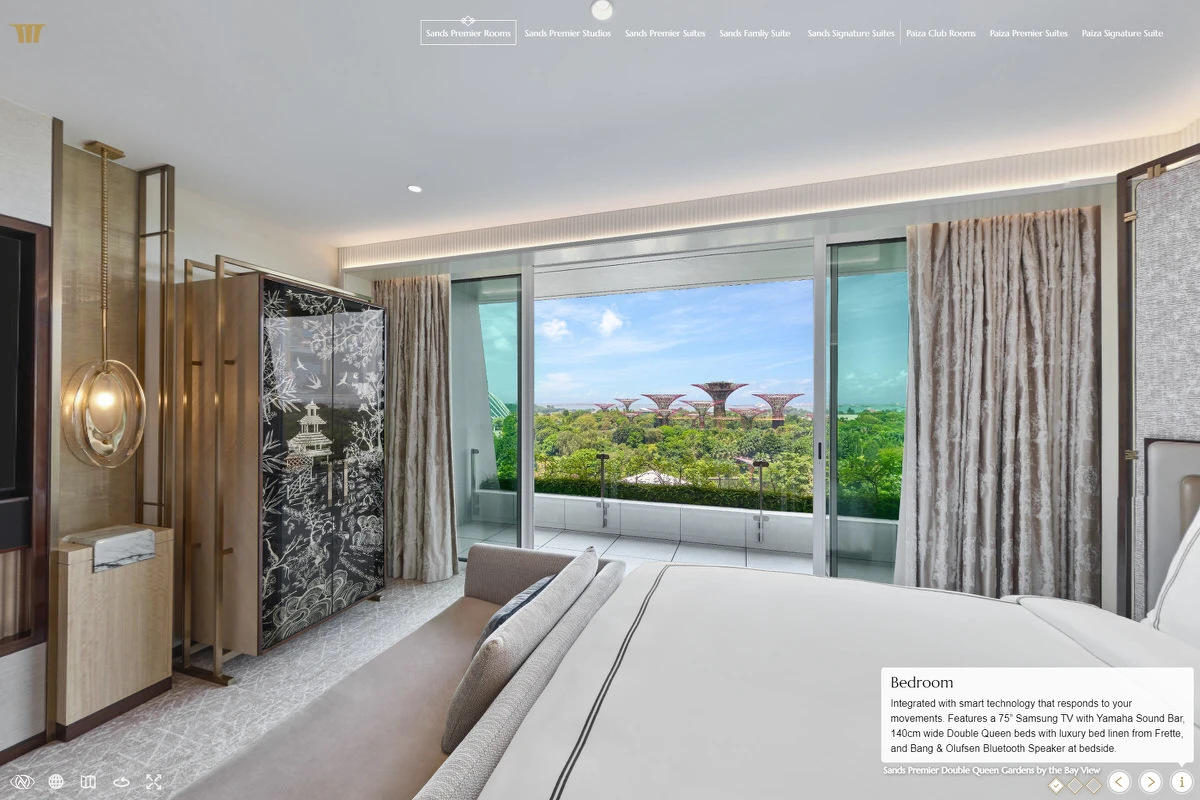
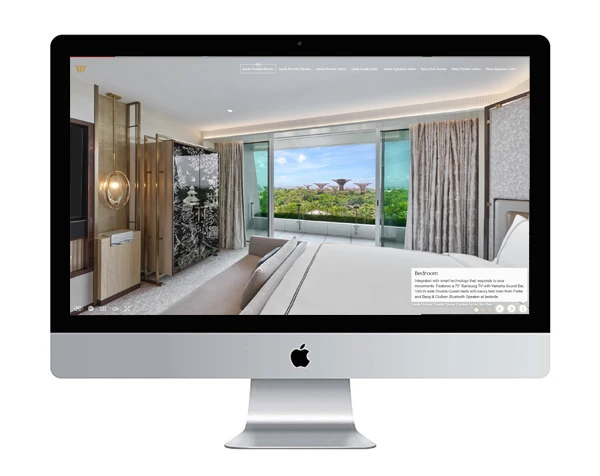
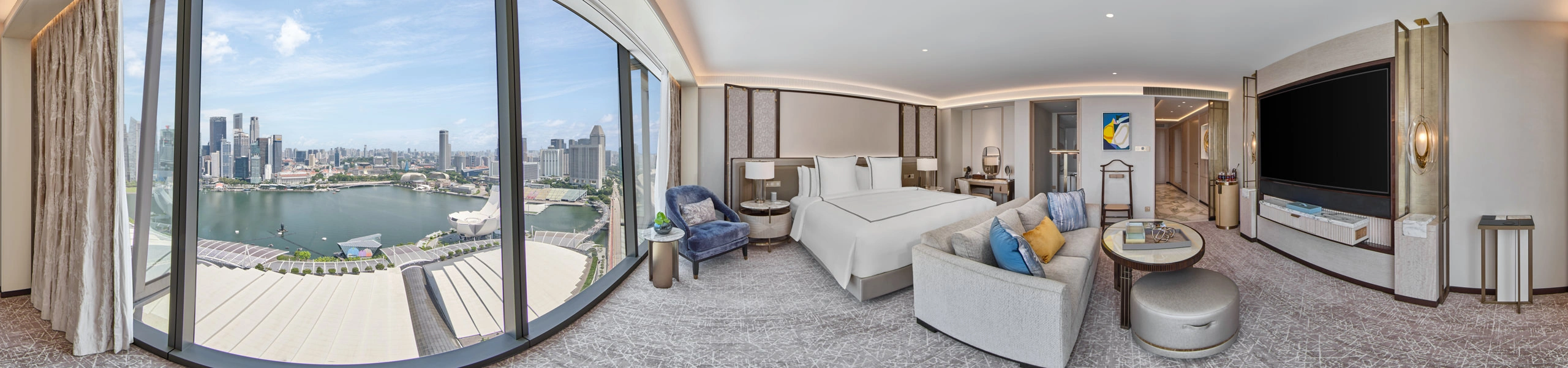
Marina Bay Sands Singapore
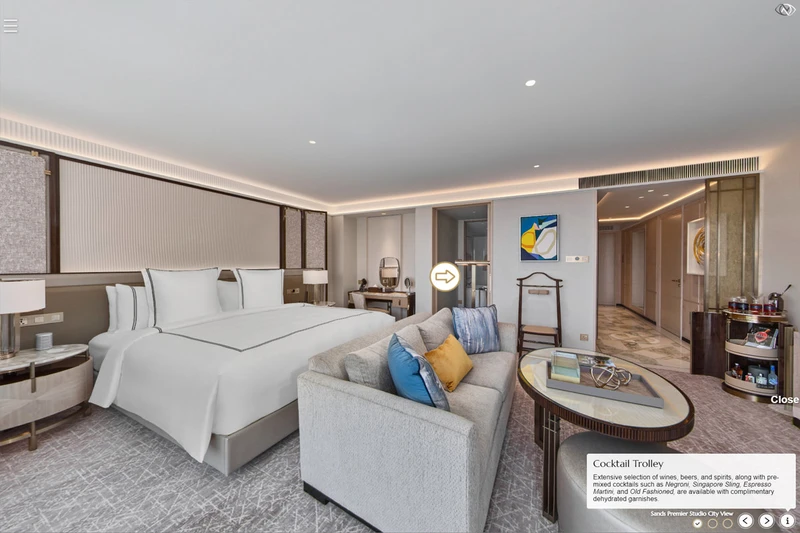
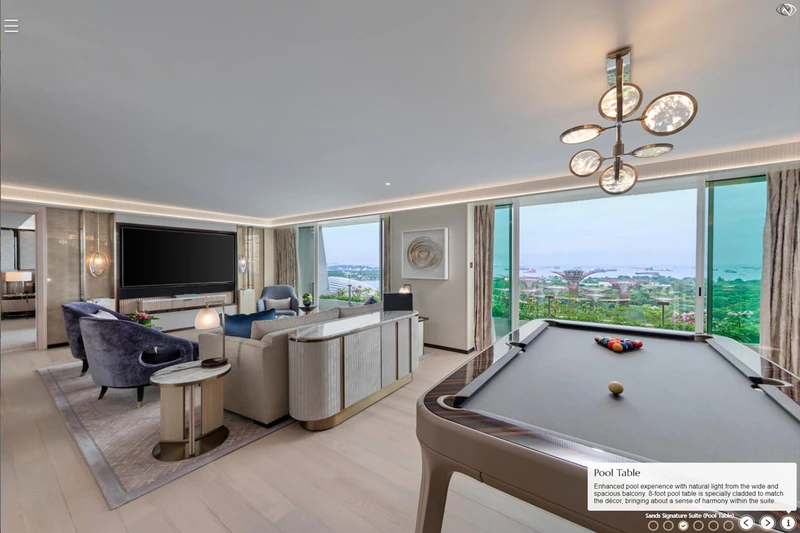
Customised Virtual Tour Web Interfaces
Through years of experience, I have discovered that off-the-shelf virtual tour building software is not sufficient for professional use in the hotel and resort industry. Programs such as 3DVista and other tour builders may appear impressive, but they are limited in their customization options and making changes can be cumbersome. My aim is to ensure my clients aren't restricted by software limitations. To address this, I collaborate with highly skilled web developers to craft custom virtual tour interfaces tailored to specific needs. If you have a vision for your virtual tour, please share it; we're here to bring it to life.
My virtual tours are fully optimized for the web and mobile devices, which means that guests can easily view the tour on their computer, tablet, or smartphone. This ensures that the virtual tour is accessible to the widest possible audience and can be easily shared on social media and other online platforms.
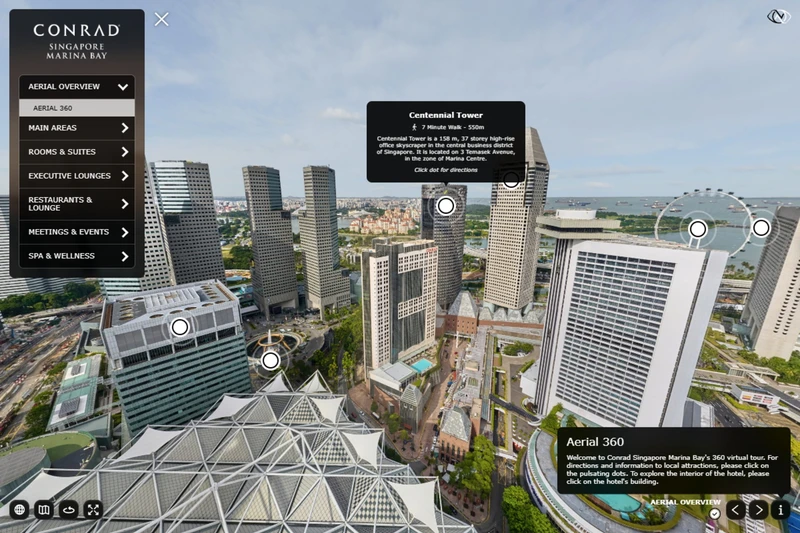
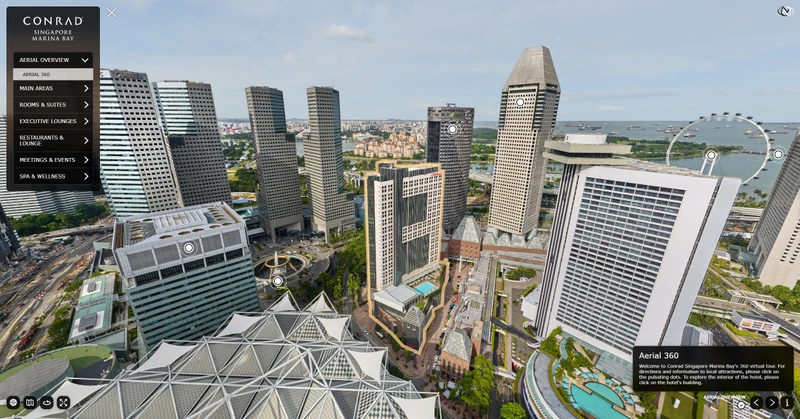
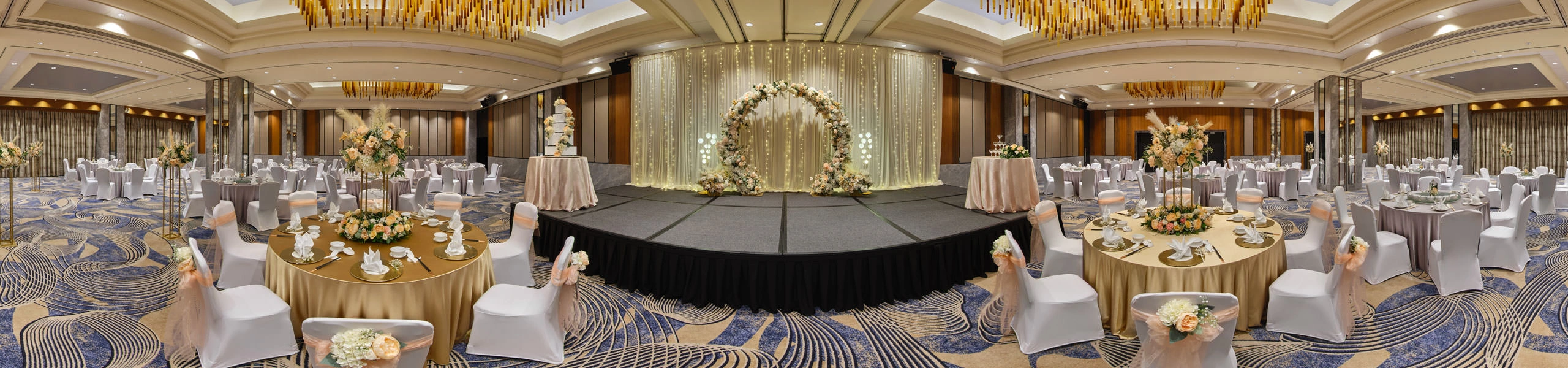
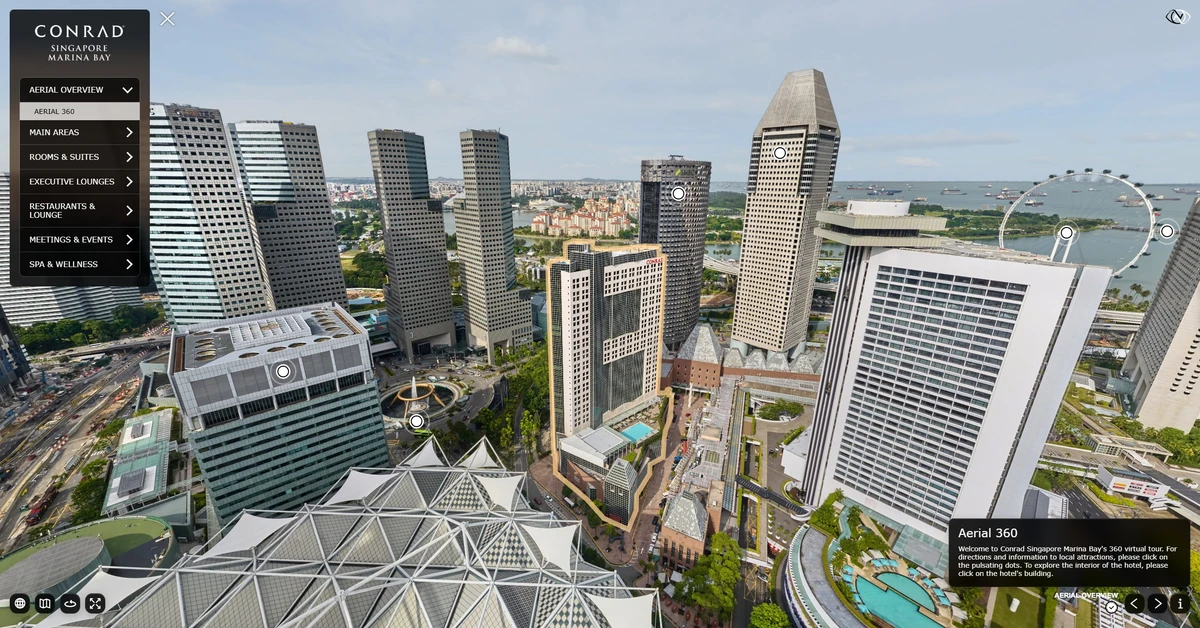 Conrad Singapore Marina Bay